TCP port monitoring
Monitor any TCP service, not just the web
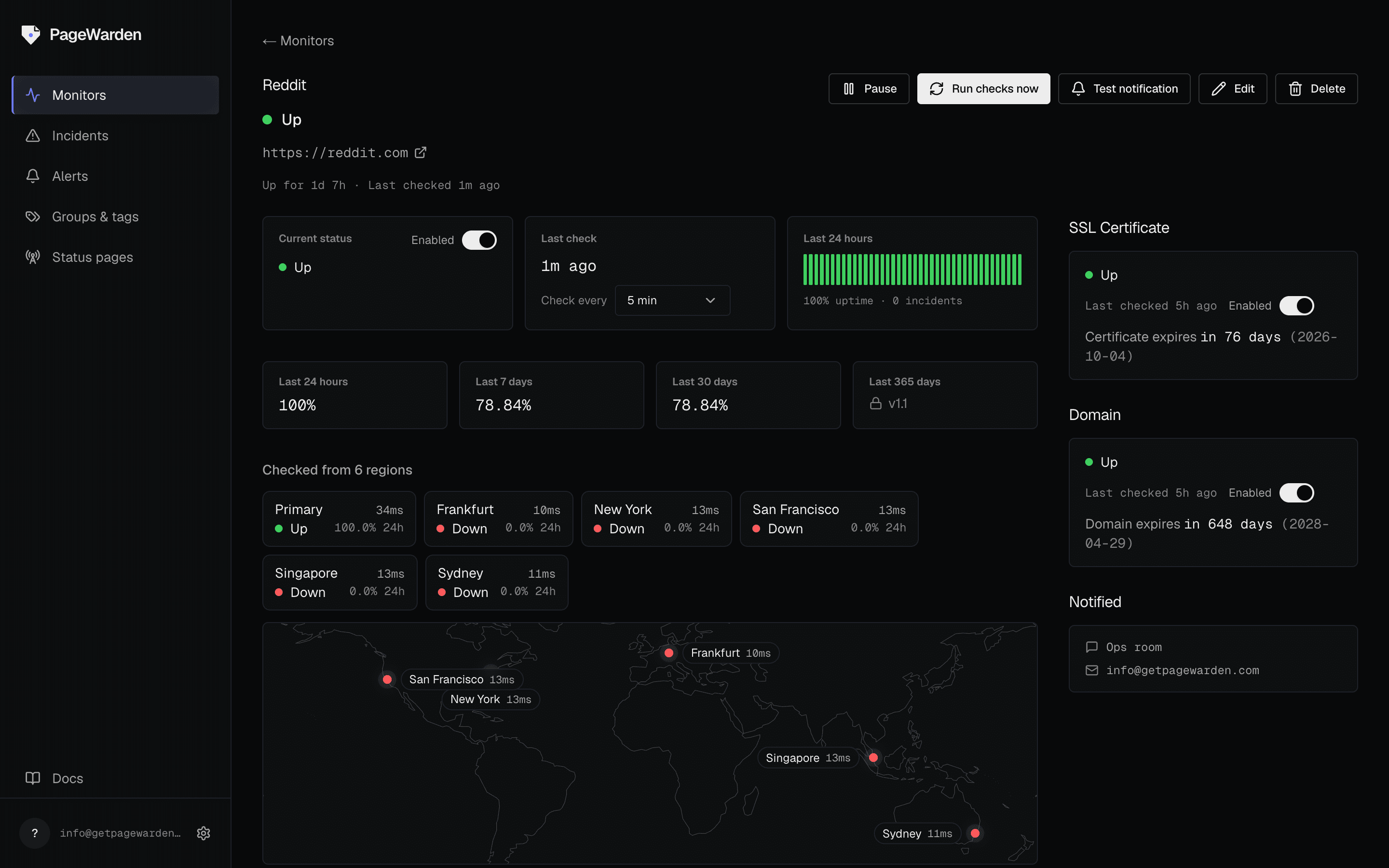
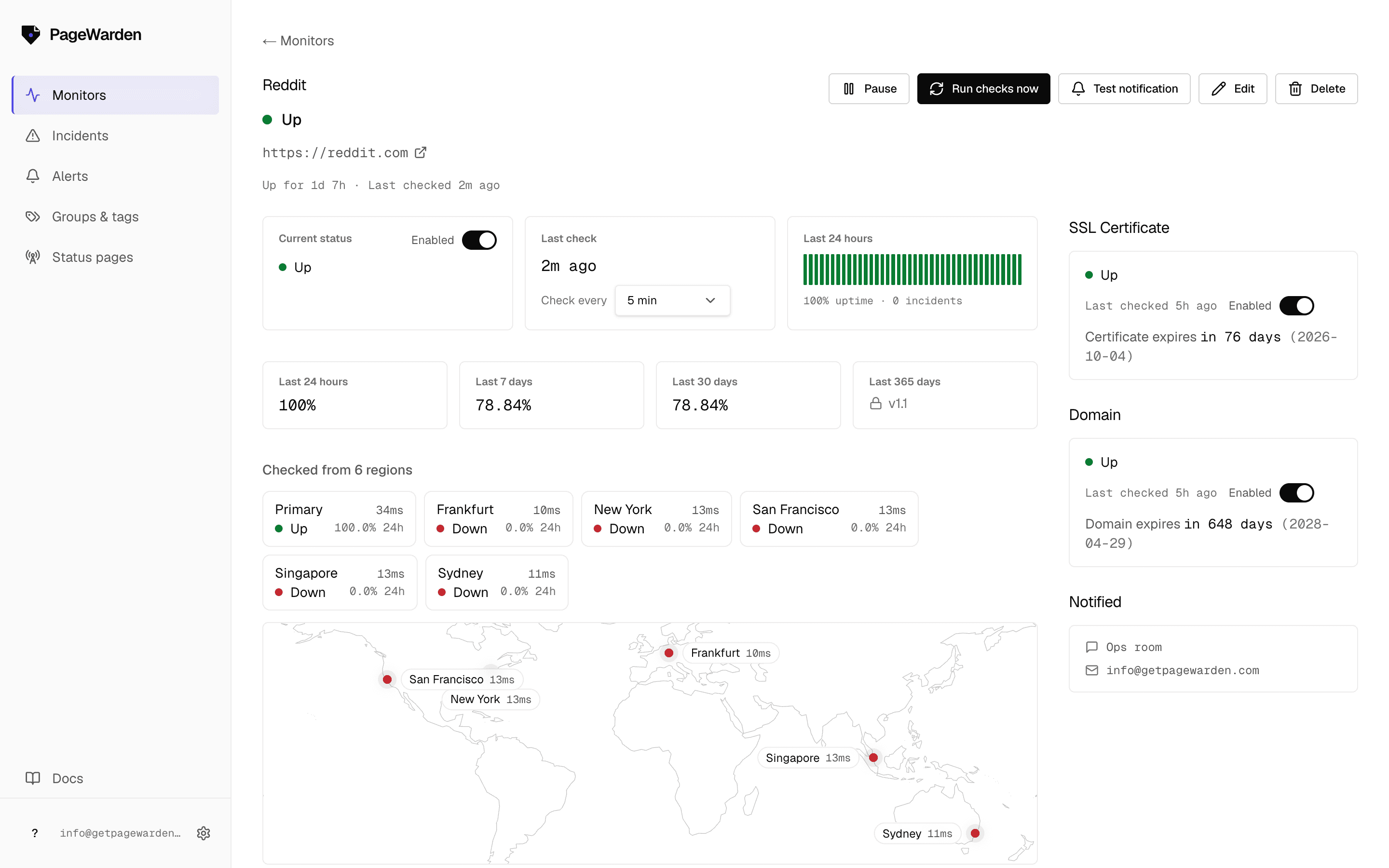
PageWarden opens a raw TCP connection to the port you choose and reports up or down on connectivity. Watch SMTP, POP3, IMAP, FTP, a database, or a game server, the services a website check never sees. On Hobby and up.
Signups are paused while we prepare the full launch.
What it checks
Connectivity on any port
Point a monitor at a host and port and PageWarden checks that the service accepts a connection. Up when it connects, down when it does not.
Mail, databases, caches, game servers: if it speaks TCP, PageWarden can watch it.
Works with any TCP portconnected in 38ms
Beyond HTTP
The services a website check ignores
Plenty of critical infrastructure has no web page. A port monitor tells you your mail server or database is reachable, so an outage there does not go unnoticed.
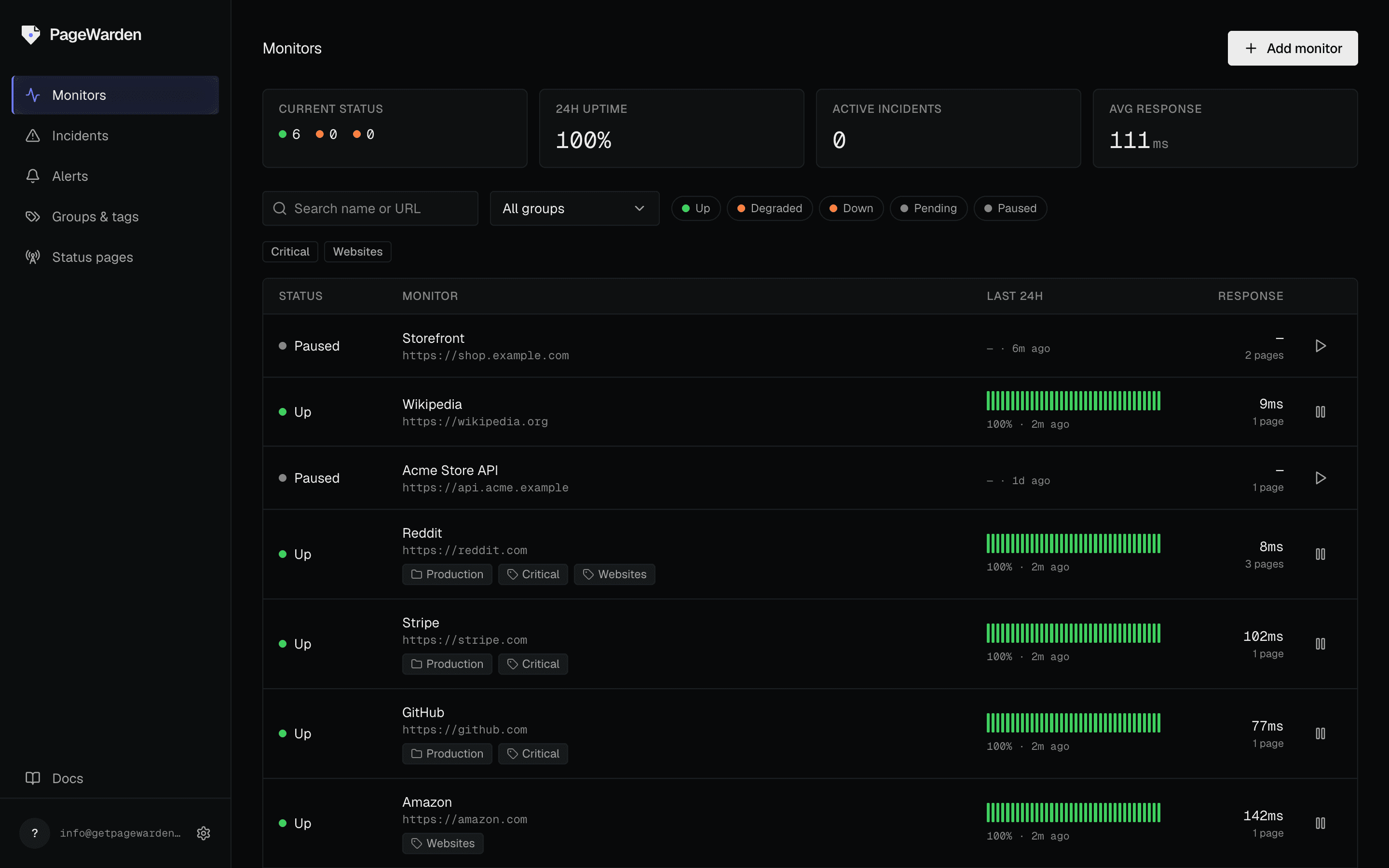
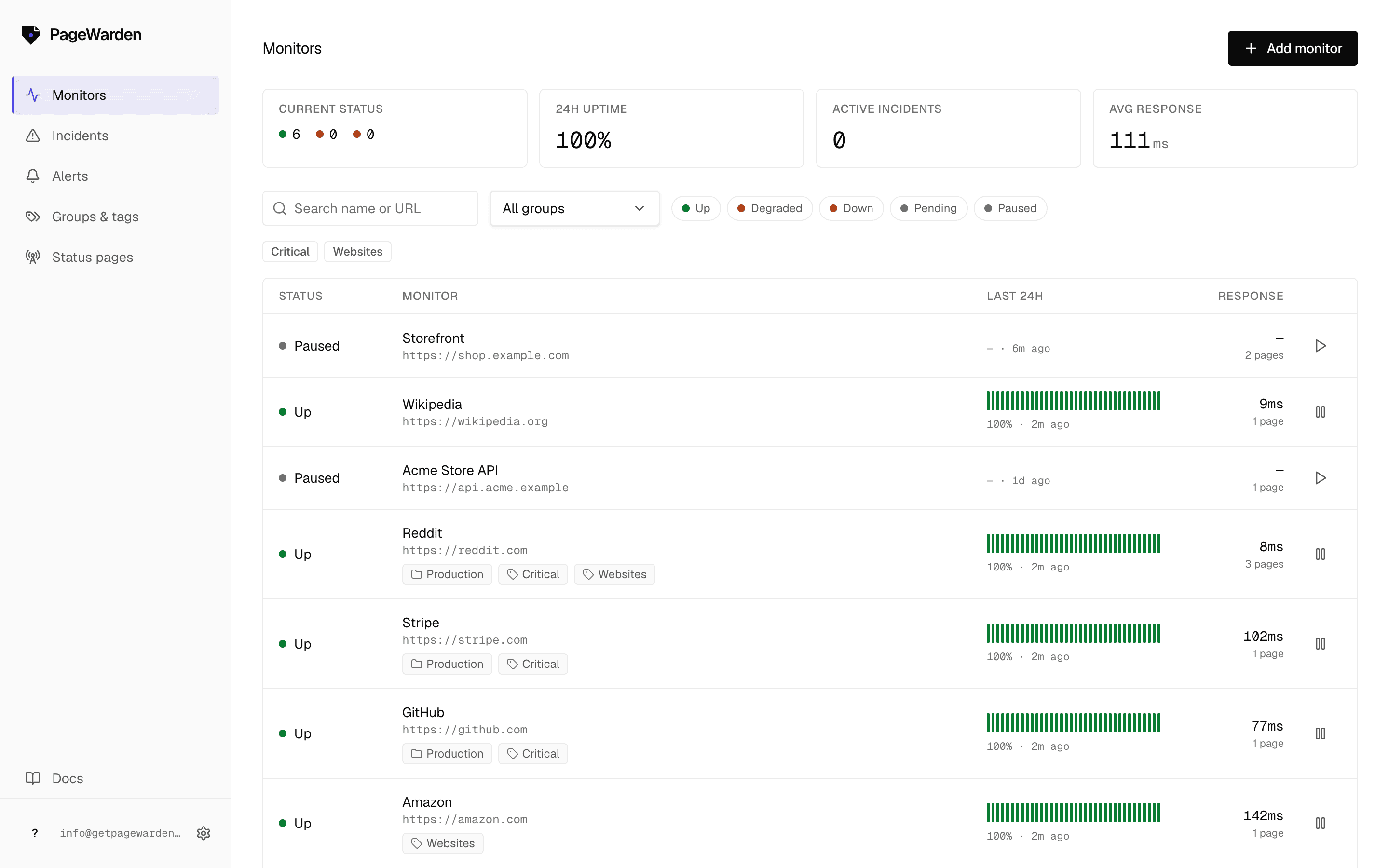
See your port monitors alongside everything else on one board.
Port alerts
Told when a port stops answering
Connectivity warnings and recoveries go to email on every plan, and to Slack, Discord, Telegram and webhooks on paid plans.
Slack, Discord, Telegram and webhooks on paid plansYour site checkout.acme.io has an issue
The uptime check on https://checkout.acme.io just failed.
- What happened
- HTTP 503 Service Unavailable
- When
- 2026-06-18 14:32 UTC
Quick setup
Set up port monitoring in two minutes
Enter a host and a port and PageWarden checks the connection. No agent, nothing to install.
Add host and port
Enter the hostname and the TCP port you want watched, for example your mail or database port.
Set the interval
Choose how often to check, down to 60 seconds on Starter and Pro.
Route your alerts
Send warnings to email on any plan, or to Slack, Discord, Telegram and webhooks on a paid plan.
PLANS
TCP port monitoring is available on the Hobby plan and up.
Questions
Port Monitoring, answered
More monitoring
Other things PageWarden watches
Watch the services behind the website
Signups are paused while we prepare the full launch.